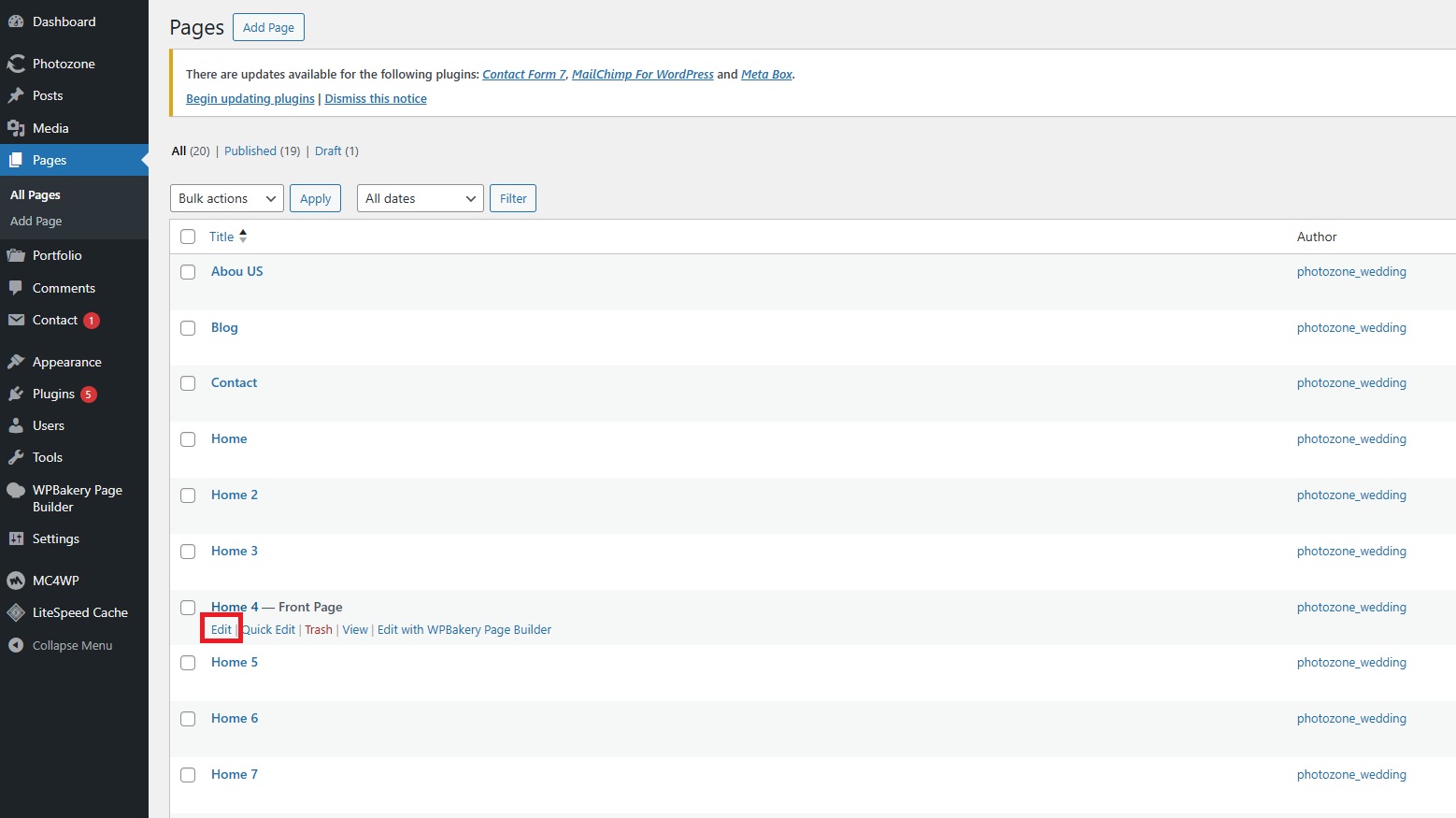
Find the page you want to edit from the list of pages.
Click the Edit button to open the page in the Elementor editor.
On the opened page, click on the section or area you want to edit.
After selecting the row or element, use the settings panel that appears (usually as a popup or sidebar) to make your changes — such as editing text, replacing images, adjusting colors, or modifying the layout.
Once you’re done editing, click the Update button at the bottom of the left panel to save your changes.



Leave a Reply